photo · guide
LUTs in Capture One
Install into the LUTs folder, then apply through Base Characteristics or as a layer.
Step by step
- Open Preferences → Appearance and note the LUT folder location, or use Edit → Show Package Contents on the styles folder.
- Copy the
.cubefile there and restart Capture One. - Apply it from the Base Characteristics tool, or in recent versions add it as a Layer effect.
Applying it on a layer gives you an opacity slider and a mask, which Base Characteristics does not.
Capture One will not see new LUT files until it restarts. If it is not in the list, that is almost always why.
Which LUT to load
Every LUT here is a standard .cube 3D LUT, so all 296 work in Capture One. The real problem is choosing one, and downloading twenty files to audition them is the slow way round.
Preview all 296 on your own photo →
Drop a photo into the tool and every look renders on it at once. Find the two or three worth keeping, then download only those.
Popular starting points
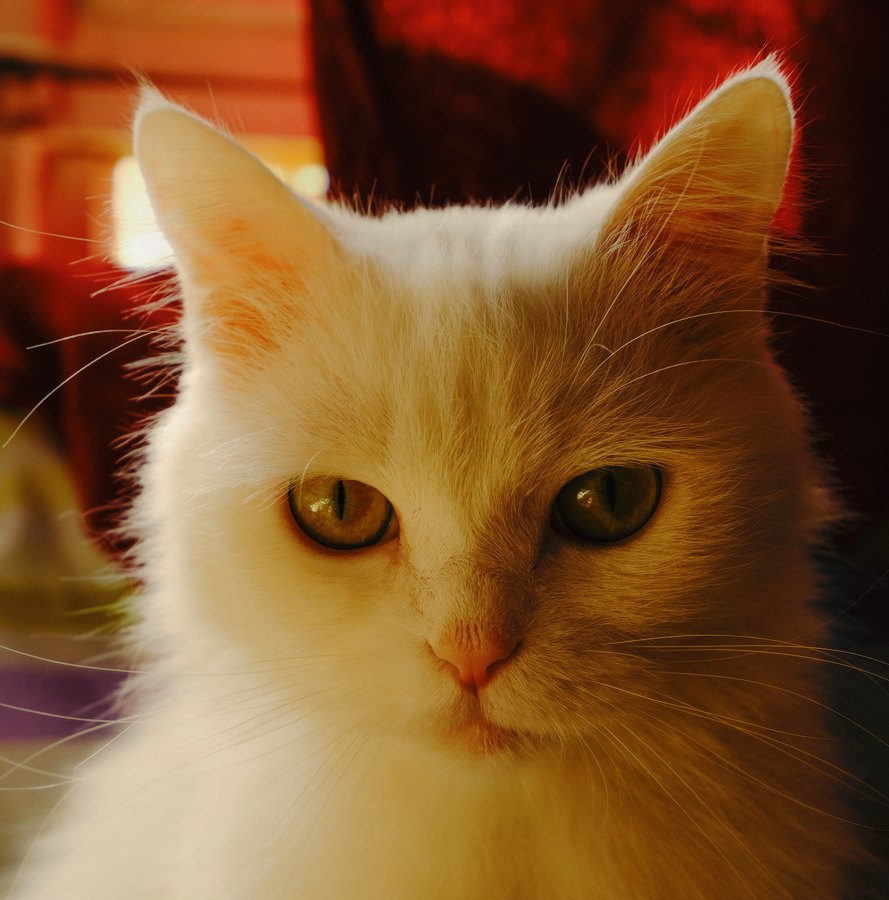
Kodak Portra 400
The default modern portrait film: warm, forgiving skin tones and a very long highlight roll-off.
16 renderings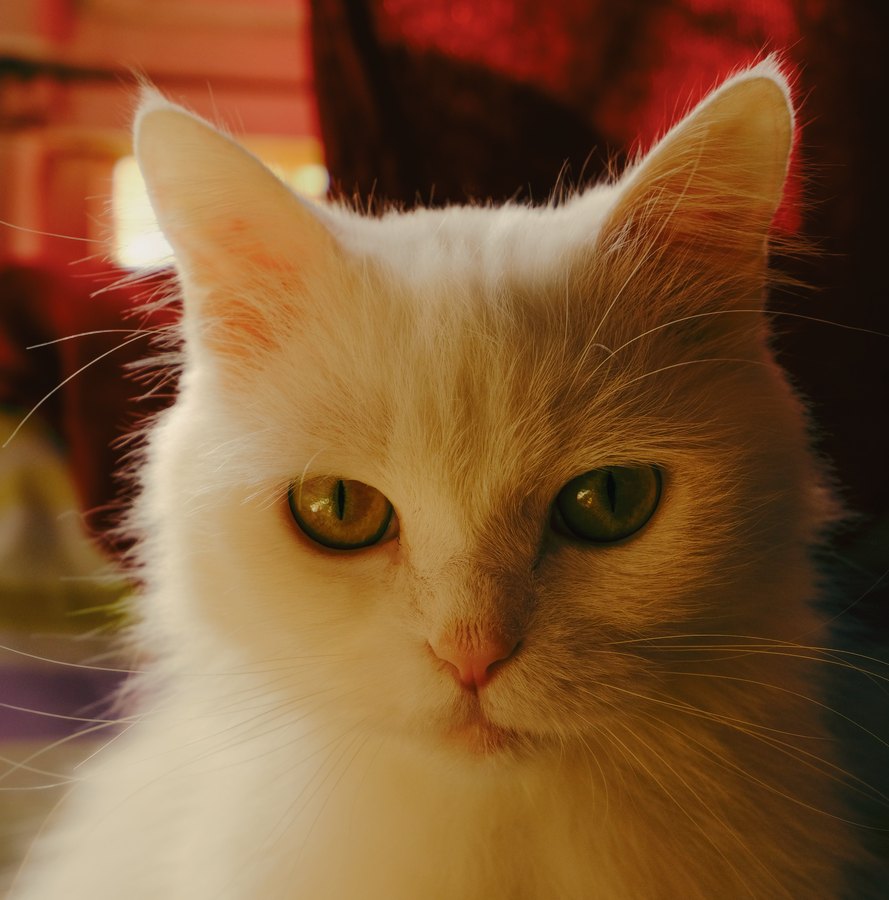
Fuji 400H
The discontinued cult wedding film: cool, minty greens and pale, airy skin.
4 renderings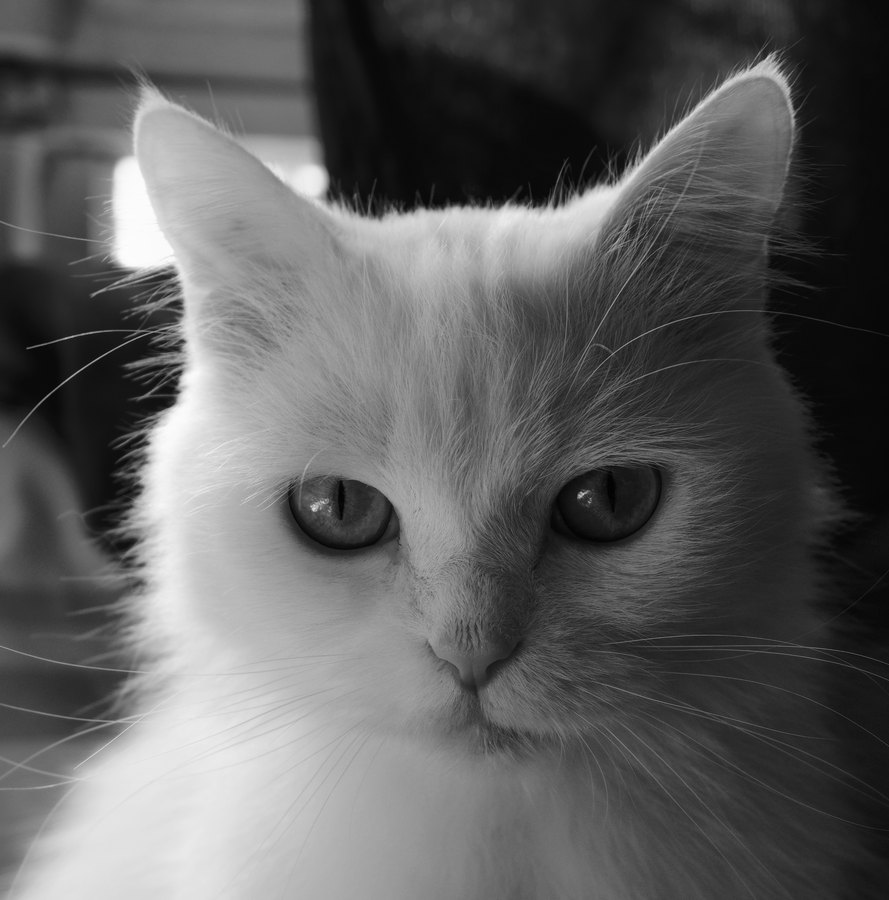
Kodak Tri-X 400
The definitive photojournalism film: gritty grain, deep blacks, enormous latitude.
6 renderings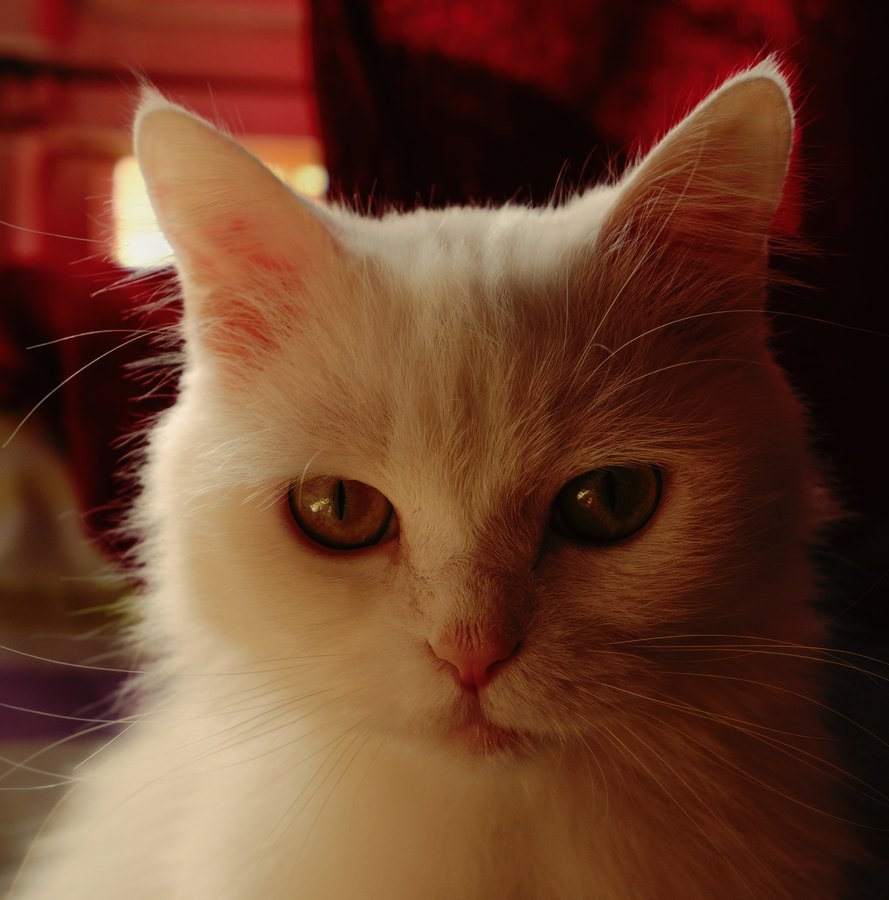
Fuji Velvia 50
The most saturated colour film ever widely sold — the landscape photographer's signature.
1 rendering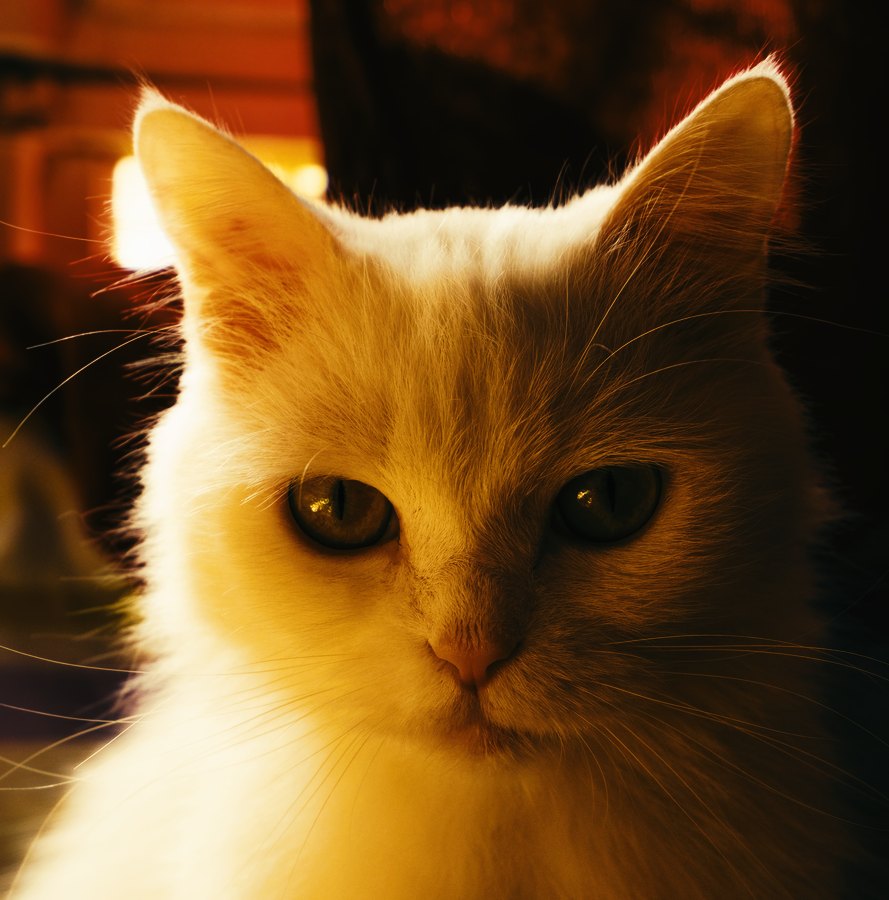
Kodak 2383 Print
The standard cinema print stock — what a film actually looked like projected in a cinema.
3 renderings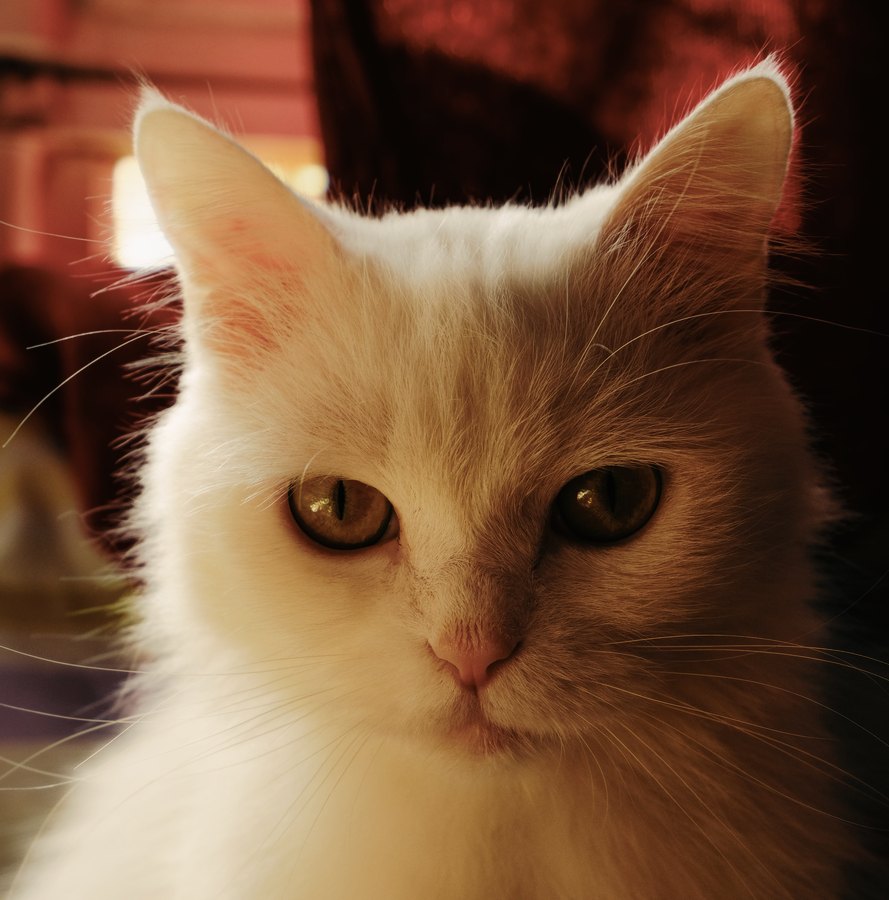
Fuji X-Trans III Classic Chrome
Fujifilm's documentary simulation — muted colour and hard shadows, evoking Kodachrome.
1 renderingGetting the strength right
Most film looks read better between 50% and 80% than at full strength. Real film never had to sit on top of an image that was already white-balanced and contrast-corrected, which is what you are asking it to do here.
Apply the LUT after exposure and white balance, never before — a look applied to an image that is two stops dark bakes the mistake in rather than fixing it. There is more on why in what a LUT actually is.
Other applications
DaVinci Resolve · Adobe Premiere Pro · Adobe Lightroom Classic · Adobe Photoshop · Final Cut Pro · Affinity Photo · Adobe After Effects · OBS Studio · GIMP